
Home · AI tools
AI your team will still be using a year from now
I look at where your business loses time, build AI tools for exactly those tasks and introduce them together with your team. Wherever there is a decision to make, a person makes it.
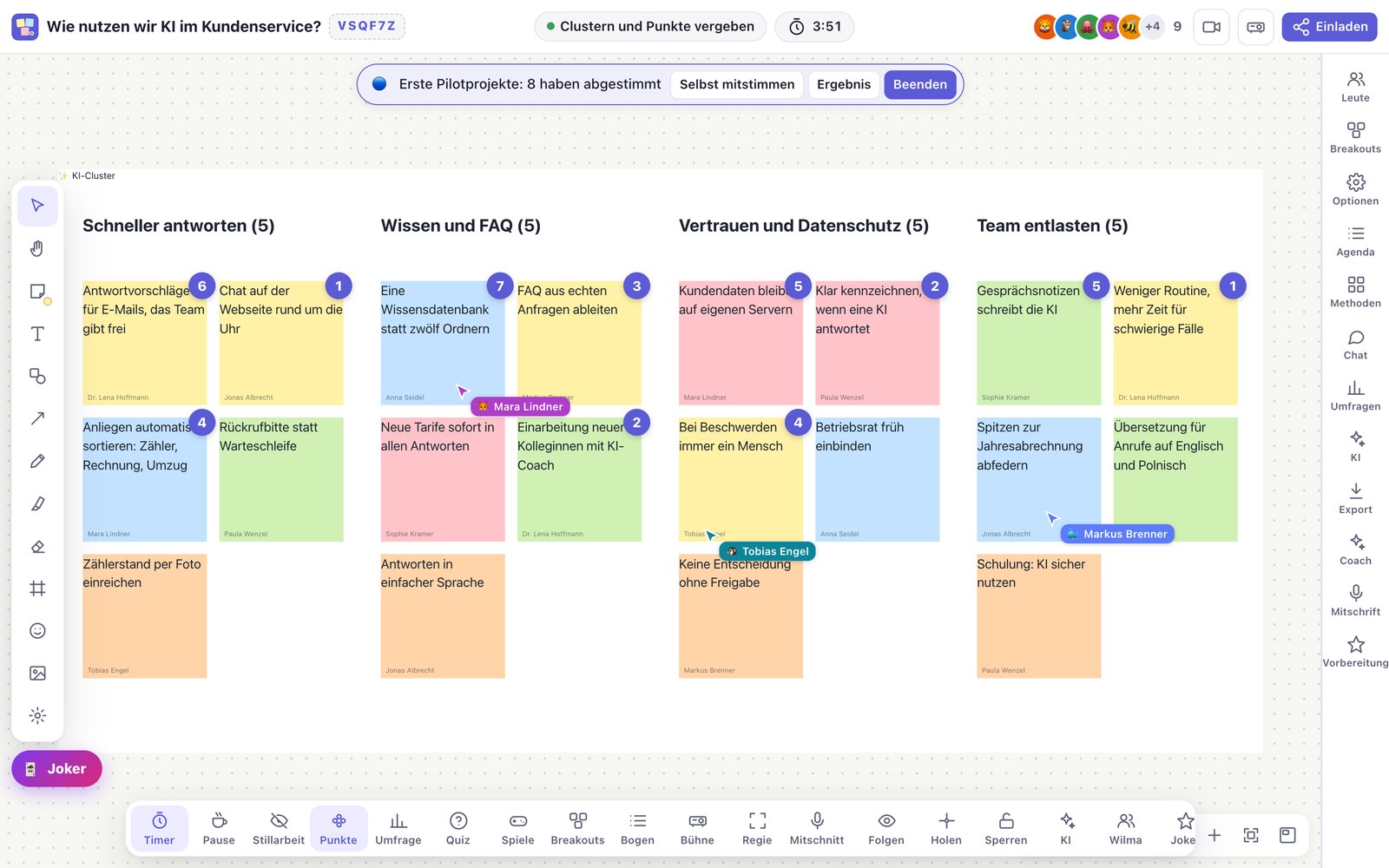
Everyone was happy with the pilot. Six months later, nobody uses the tool anymore. The technology is rarely the reason. Usually, nobody asked these four questions at the start.
Four questions before any AI rollout
Data
Who decides which data the AI may see and process?
Co-determination
When does the works council, the elected employee body, get a say: before the tool is chosen or only afterwards?
Training
Who teaches it to the people who are supposed to use it every day?
Resistance
And what about the people who think the whole thing is nonsense?
The four questions as a worksheet: two pages, in German. For each question, it explains how to tell whether it is still open for you and what you can do next. Download it without a form or email address.
Worksheet (PDF, German)Five steps from the analysis to a tool your team works with
You can book each step on its own. Book all five, and your team ends up with a tool it uses every day.
Analyze
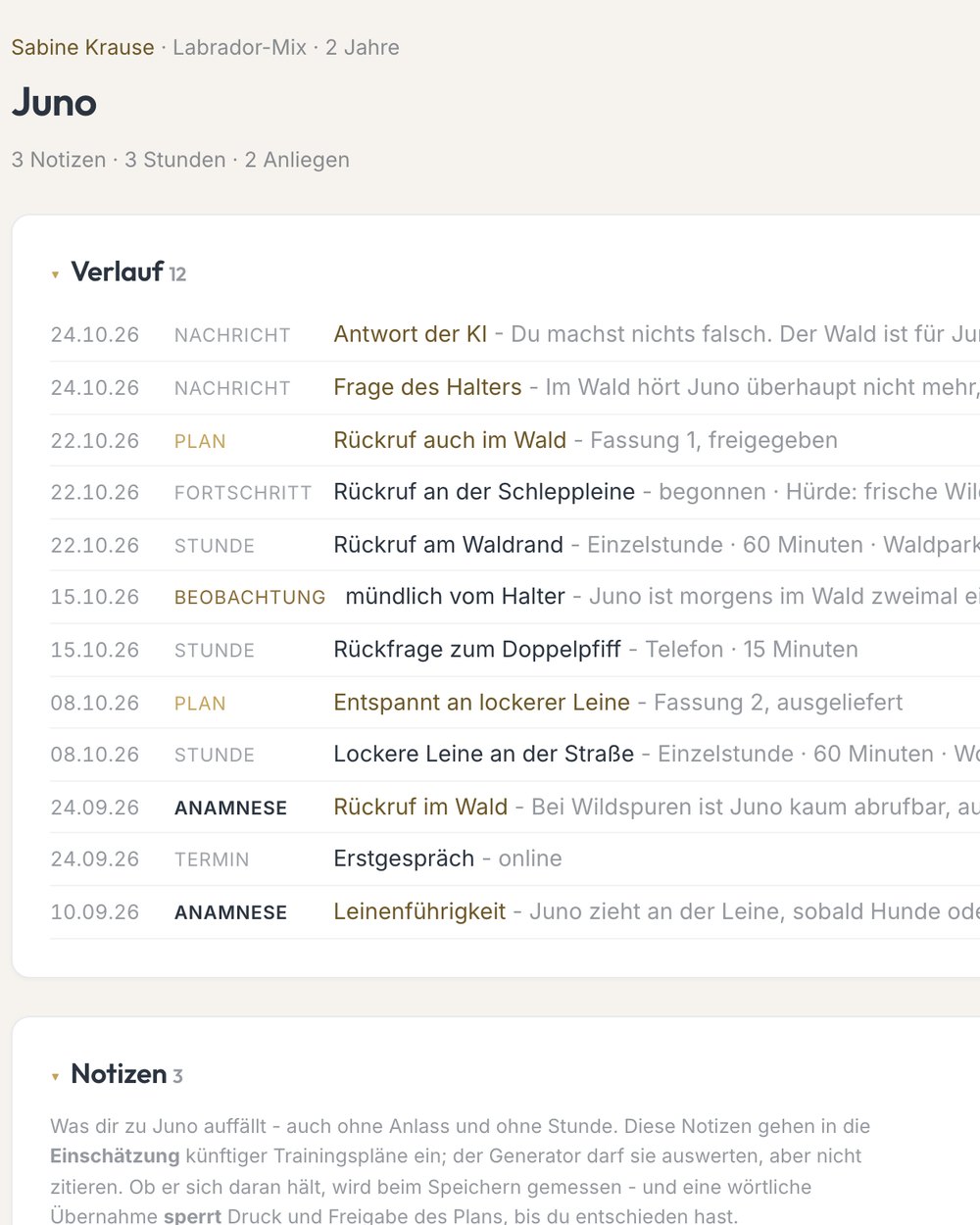
One day with four to eight people from management, the departments involved and IT. We go through your processes one by one: Where does AI make an existing process faster, where does the process need to be rebuilt, where does something entirely new come about? Twenty ideas become three projects, ranked by where you should start.
Organize knowledge
What your business knows is spread across people’s memories, email attachments and three different folder structures. We write it down and organize it so an AI can access it: a filing system with fixed rules, a knowledge base the AI looks things up in, and written instructions for the AI.
Build
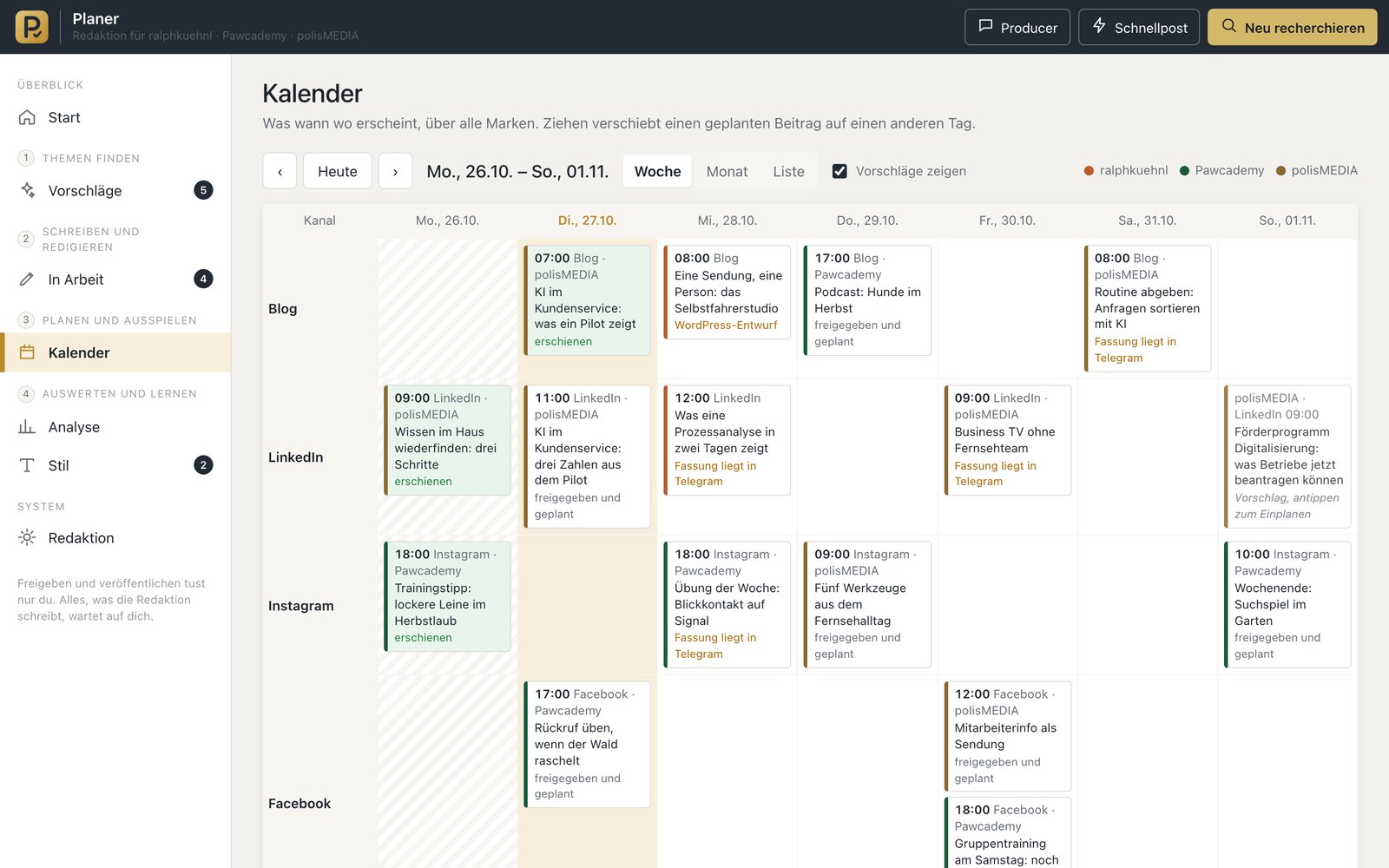
First I build a tool for a single, manageable process. At the decisive point, a person checks what the AI suggests. That way you see the benefit before you spend more money. I set the tool up around your processes and connect it to the software you already have.
Roll out
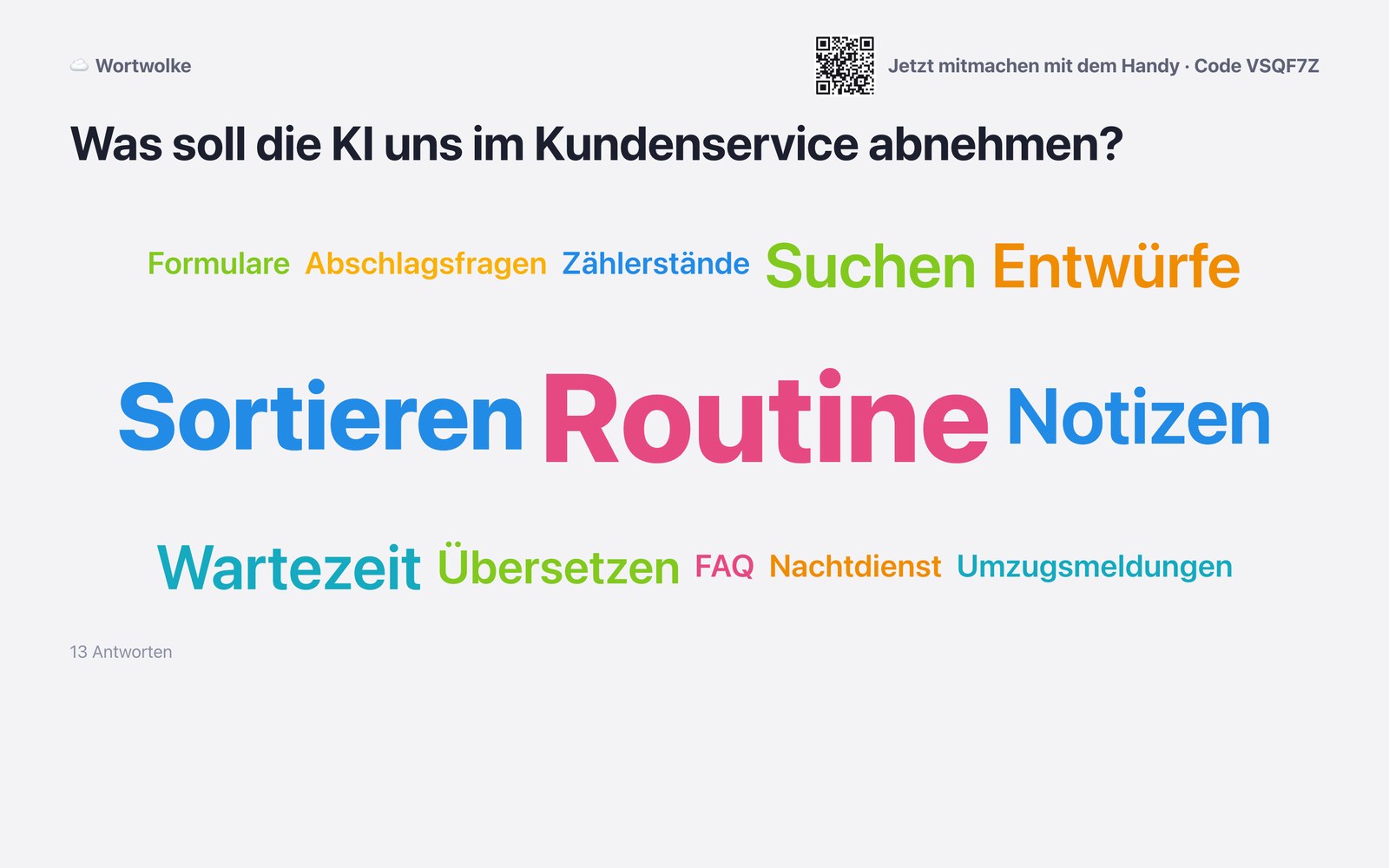
People use a tool when they understand what it does and had a say beforehand. Those who are against it usually have a reason, and we listen to it. On top of that come training sessions, written guides and dedicated contacts in-house.
Run and develop further
If the pilot proves itself, it moves into regular operation. For that, we define what happens when something fails, who gets notified, who is responsible and who takes over. Because you own the tool, you can develop it further without waiting for a vendor. If your business would come to a halt as soon as a process fails, I will tell you before we build it.
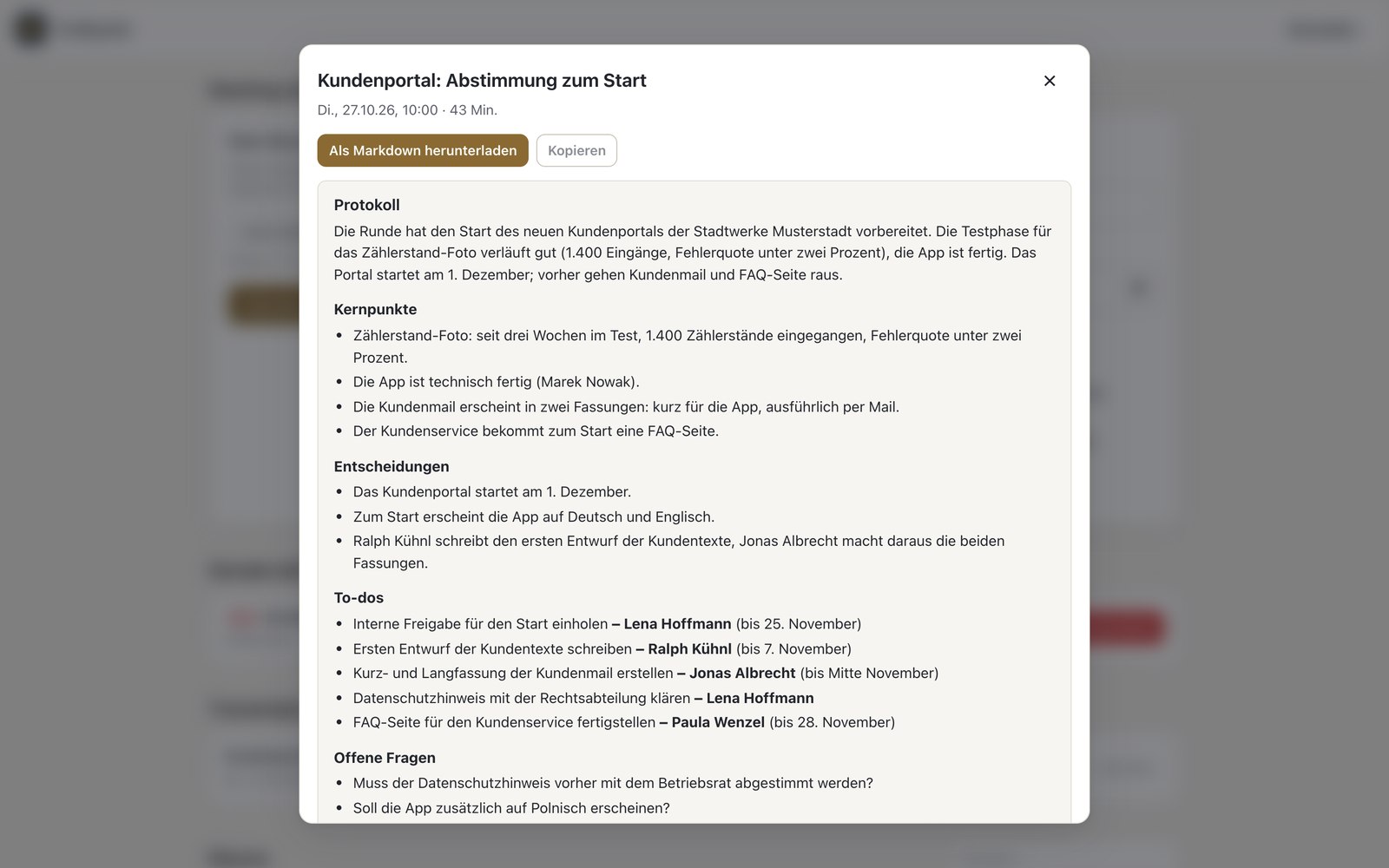
One day, and you know where to start
And which of the other ideas you can skip.
AI readiness assessment
We go through your processes and check for each one whether the data and the way of working are organized well enough for an AI to work with them. We assign each process to one of three groups: optimize, rebuild or reinvent. We keep the three groups apart because they differ in cost and in how much they hurt.
An overview of your processes, each with an honest assessment. Three projects in the order you should tackle them, each with a rough cost estimate and the name of the person in-house who would be responsible.
You won’t get a recommendation to buy a particular product. If AI isn’t a good fit for you right now, the results say so. Then you have lost one day instead of a year.
- Anywhere in Germany, plus mileage and expenses
- No VAT
- No obligation to book follow-up work
- Facilitated with my workshop program Werkraum, minutes the same evening
Six services, each available on its own
Structuring knowledge
We write down what your people know so that an AI can look things up in it.
- Filing system with fixed rules and a knowledge base
- Instructions for AI systems
- Processes documented in writing
Custom tools
AI assistants and automated workflows for your business. Wherever a decision is made, a person gives the approval.
- Pilot in one manageable process
- Connection to your existing software
- Regular operation with clear responsibilities
AI competence center
A standing group in your organization that reviews and approves AI projects, following rules everyone knows.
- Mandate and responsibilities, set down in writing
- Rules for data and tools
- Staff training as required by Article 4 of the EU AI Act
Change support
From the first briefing to the day your team considers the tool its own.
- Hearing and answering objections
- Training sessions and guides
- Training in-house contacts
Making AI understandable
Workshops and talks for management and staff. For thirty years in television, I explained difficult topics to people who have to understand them the first time they hear them.
Sparring for executives
For big decisions whose outcome nobody can predict with certainty. Confidential, and I push back when it is needed.
Answers from your own documents, and the data stays in-house
A language model, the technology behind AI assistants, knows nothing about your business: no price list, no service description, no earlier quote. There are two ways to teach it.
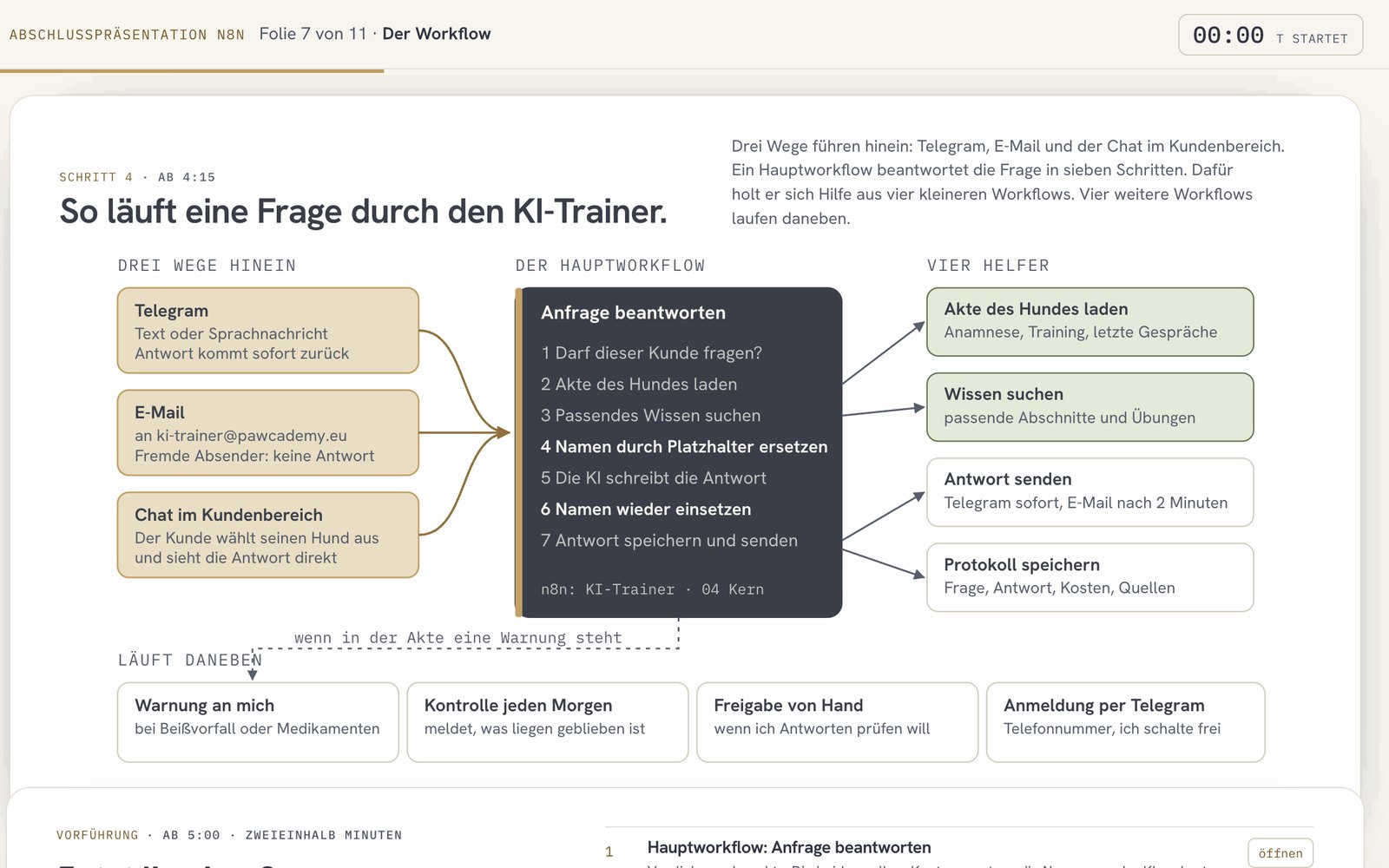
- Question
- Protect names
- Search by meaning
- Matching sections
- Answer with source
- Sensitive cases to people
A customer writes in the evening: What does a consultation cost, and what is included? “How much is a consultation with you?”
Before the question goes to the language model, the system replaces names and addresses with placeholders. The language model never sees who is asking. “Sabine Krause” becomes [PERSON_1]
The system searches by meaning: for a question about cost, it also finds the paragraph on fee rates, even though the word “cost” does not appear in it. Found: fee rates · scope of services · travel
Along with the question, the system sends only the three best-matching sections from your documents to the model. 3 of 4,138 sections
The model writes the answer only from these sections and names the source. Then the system puts the names back in. “According to the 2026 price list …”
If it is about health, legal matters or a complaint, a person answers. They get the case with the conversation so far. Forwarded to: Ralph
Retrieval, known as RAG
RAG stands for Retrieval Augmented Generation: answers based on knowledge that was looked up first. For each question, the system picks out the matching passages from your documents and passes them to the model. The model answers only from these passages.
- quick to set up
- change a document, and the new version applies from the next question on
- every answer comes with its source
Fine-tuning
In fine-tuning, the model is trained further on your data. That takes computing time, has to be repeated after every change, and the result does not show where a statement comes from. For most projects, retrieval is the better approach.
Most of the work goes into choosing the documents: What is still current? Which of two documents applies when they contradict each other? And what is the person asking allowed to see?
The three questions before any knowledge baseData protection by design
Your documents are stored in a database on a dedicated server. Only the question and the few sections that match it go to the language model. Names can be replaced with placeholders beforehand.
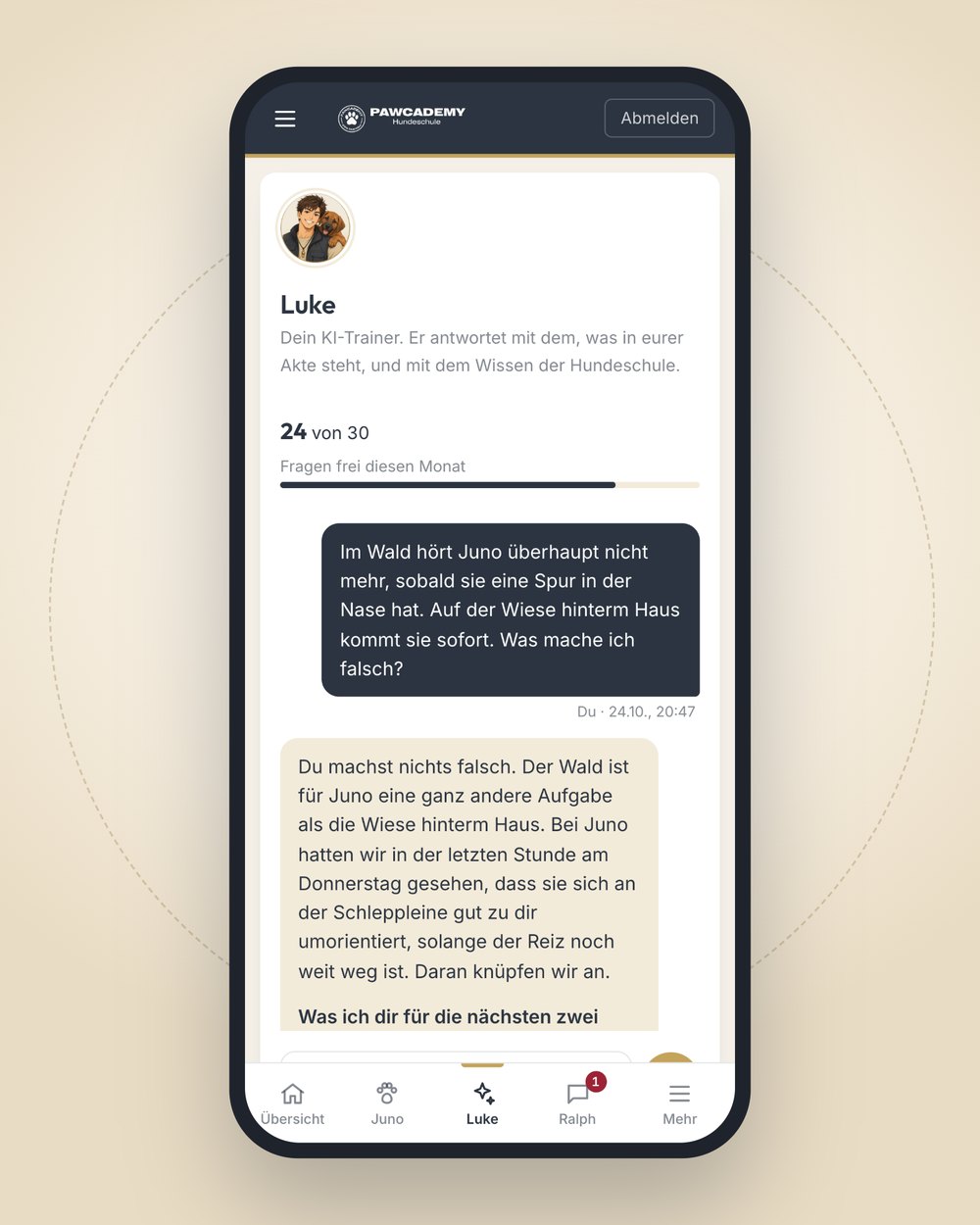
Built for my own dog school: around 600 exercises and just over 4,000 sections of expert knowledge. The AI trainer answers from them, takes the individual dog’s file into account and passes sensitive cases on to a person.
See the exampleShowing up in AI answers, accurately and with a source
When someone asks an AI assistant about providers in your industry, your business should be in the answer, with correct details. The technical term for this is GEO, Generative Engine Optimization: preparing your website and data so that AI assistants can read and cite them.
A documented test for a tourism region: a family asks an AI assistant about a trip that fits the region and is recommended a different region. If the family names the region, the answer is correct. So the content exists. What is missing is information an AI can evaluate: unique identifiers for places and offerings, connections between them, sources.
- Structured data: information in a fixed format that software can read
- Links between places, partners and offerings
- Every detail with a source and a review date
- In use at the Tourismusverband Oberlausitz, the regional tourism association
Building your own pays off for processes only your business has
For standard tasks like accounting or payroll, there is ready-made software for a monthly fee. It works from day one, and the vendor takes care of maintenance. If such software covers your process, buying is the better choice.
An example: appointments with travel time
An on-site appointment means travel there and back. A rented booking tool does not know where I was before. My own tool includes the travel time from the previous appointment and to the next one and only offers times that work. As a result, I no longer need three rented services.
When building is the wrong decision
- On closer inspection, the process is standard, and ready-made software covers it.
- In two years, nobody will be there to maintain the tool.
- Nobody has planned who handles outages, updates and questions.
I go through these three points with you in the first conversation, before you decide.
Where I bring in specialists
For legal matters, IT security and standards, I work with specialized partners. They check whether an AI system meets the requirements of the EU AI Act (conformity assessment), support ISO management systems, handle cybersecurity and do the legal review. You still have one point of contact: I coordinate with the specialists and explain what they found.
I work for mid-sized companies, municipally owned companies, associations and nonprofits, foundations and public institutions.
Which work takes up most of your team’s time?
Schedule a meeting