Good ideas often come at the wrong moment: while driving, on a walk, just before falling asleep.
To capture them, you either type awkwardly on your phone or record a voice message you never listen to again. With this tool, what you say becomes a finished note. You tap your watch and say a few sentences. About eight seconds later, the archive holds a note with a headline, structured text without filler words and the original recording attached.
It comes with a task list that contains all tasks, whether they come from a voice note, an email or a conversation.
- Speak
- Structure
- File
- Task
You speak into your watch or the messenger. 0:38 recording
The AI gives the note a headline and paragraphs and removes the filler words. note with 3 paragraphs
The note goes into the right area of your archive. area: projects
A task is only created if it doesn’t exist yet. 1 new task
- Structures what was said
- Files the note in the right area
- Creates new tasks
The note goes into the archive you already use.
Knowledge & data
In use
Screens from the real software
The screens show the German interface. Names and content in them are examples. Click an image to enlarge it.
From an idea to a task
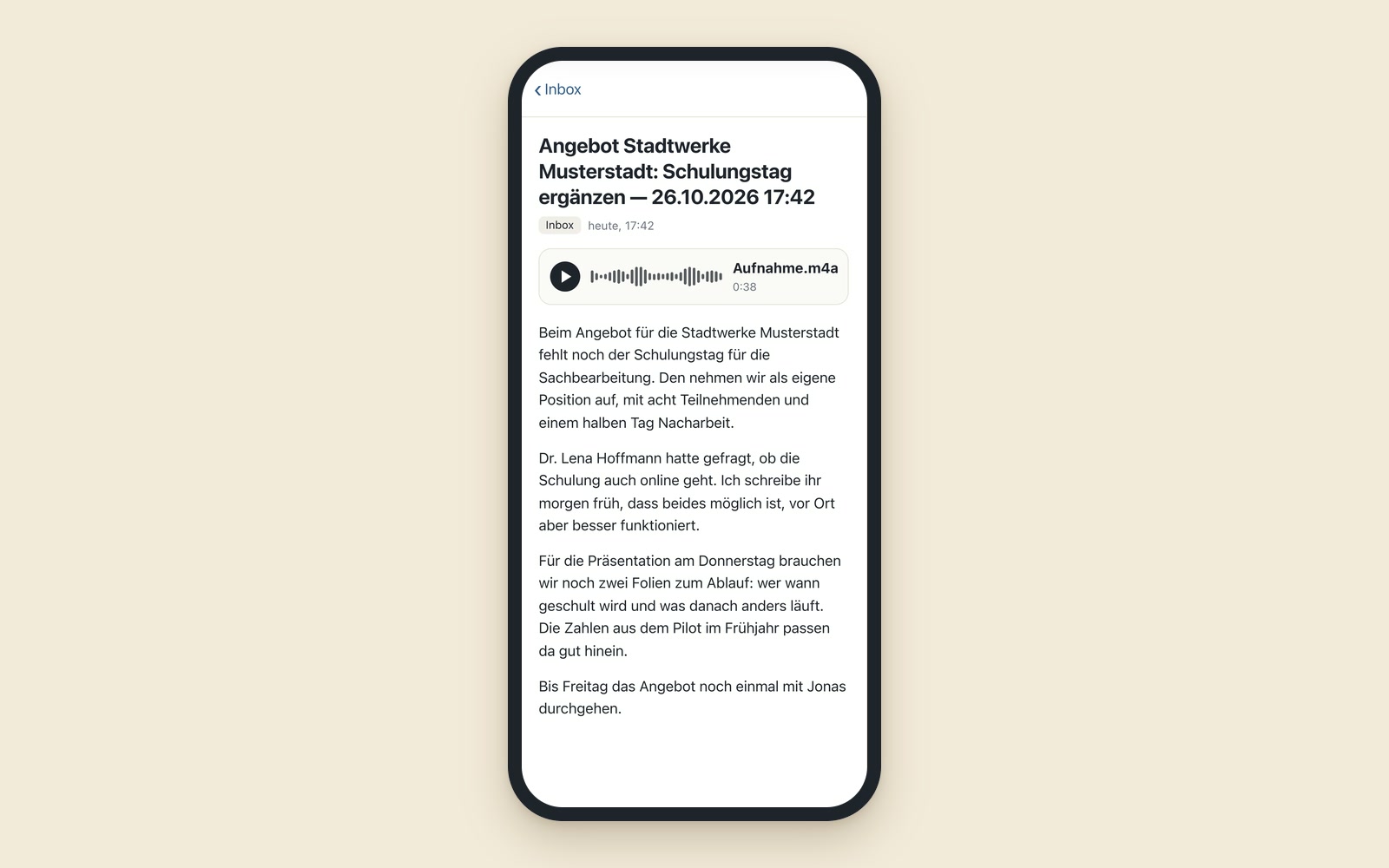
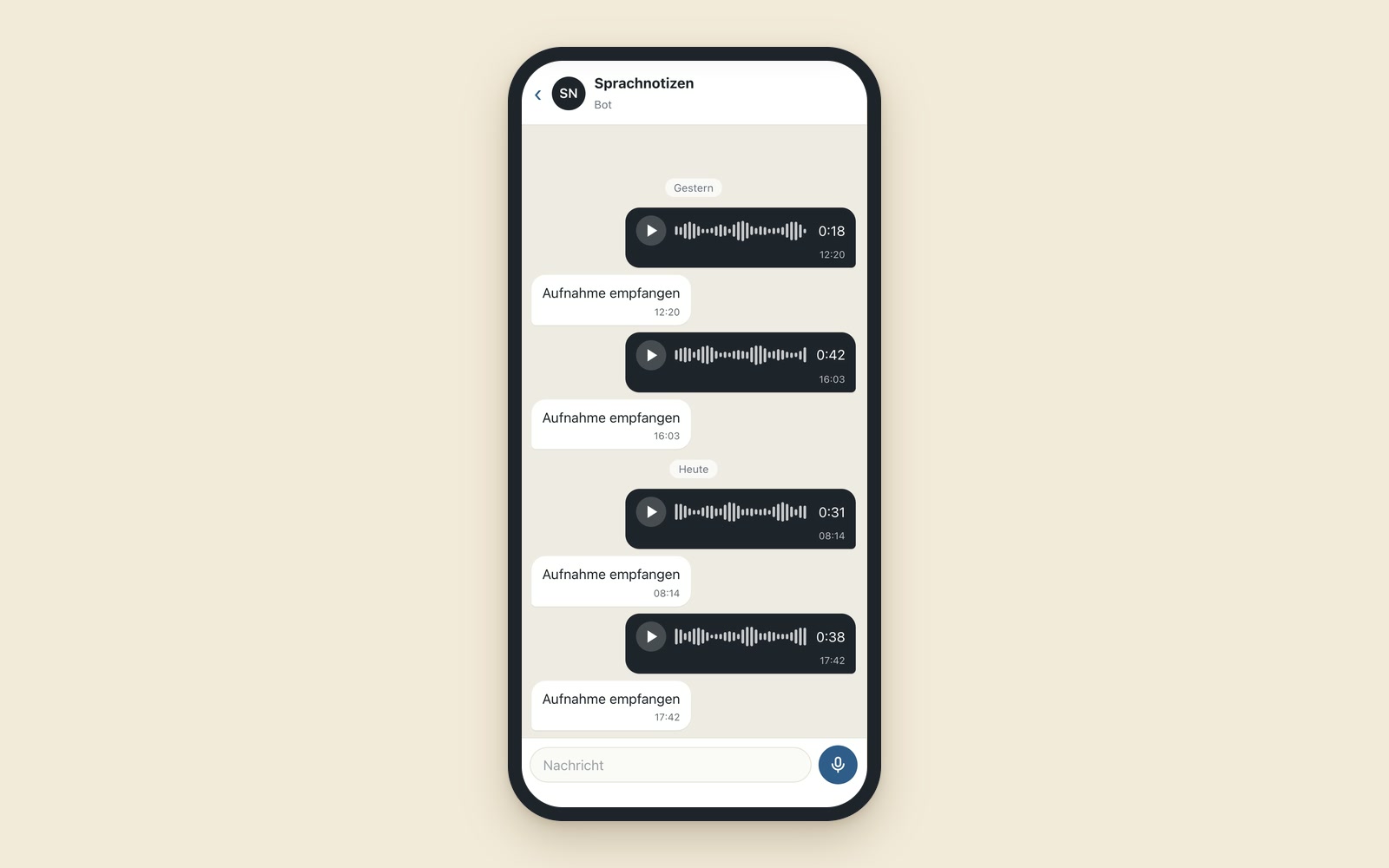
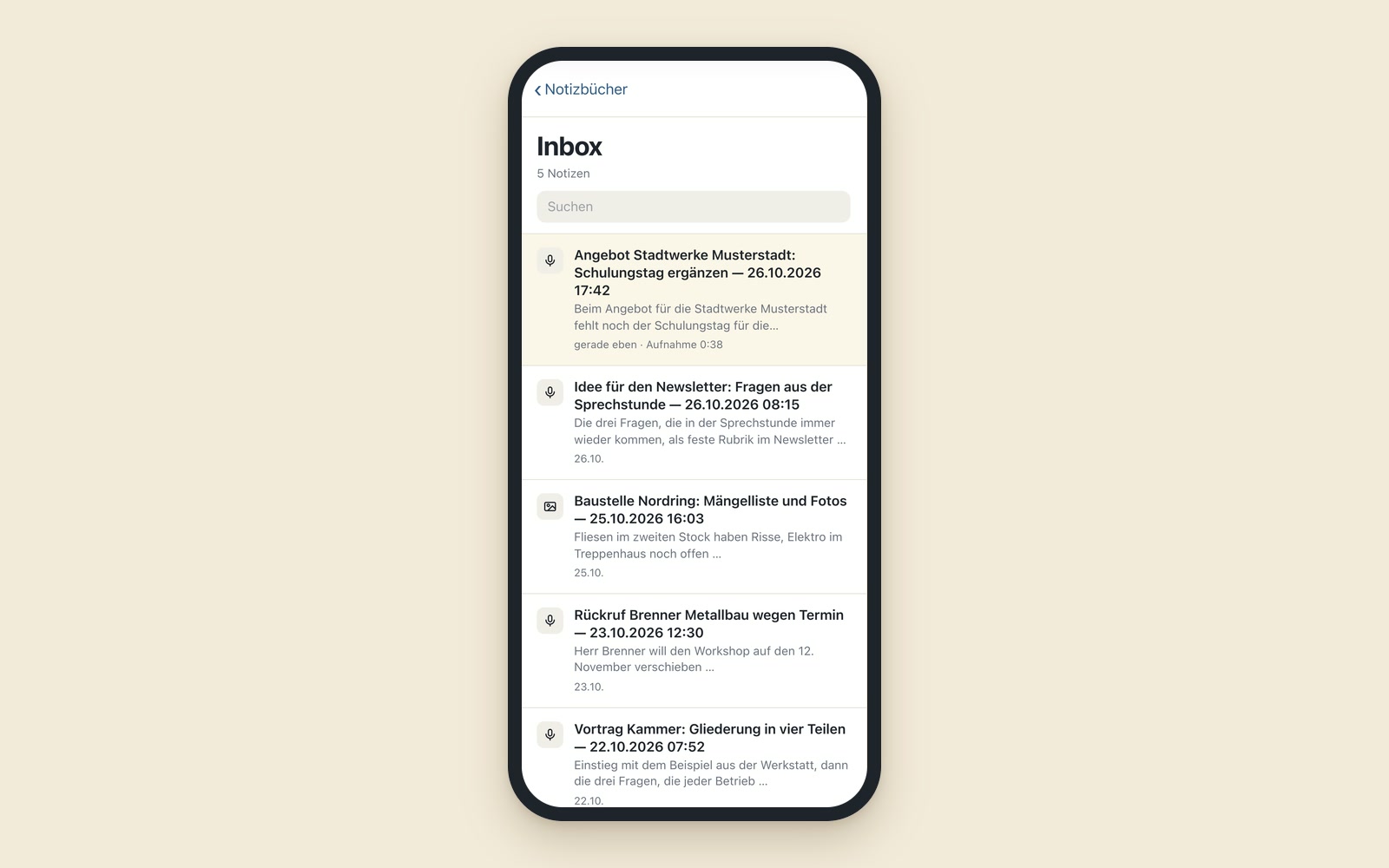
An example from a project manager’s day: on the drive back from a client, he remembers what is still missing from the quote. At a traffic light, he taps his watch and says three sentences. When he gets home, the archive holds a note with the headline “Quote for Stadtwerke Musterstadt: add a training day.” The next morning, an AI sorts the inbox. It files the note with the project and checks whether something on the training day has already been prepared there. Only then does it create a task. The task is in the central list, and he sets the priority via messenger.
Speak, process, file
Speak in seconds
A button on the watch or a voice message in the messenger.
Finished note
A headline that names the content, with a timestamp, paragraphs without filler words, the recording attached. The AI adds punctuation and paragraphs; it doesn’t summarize or rephrase anything.
Fail-safe
If the AI that structures the text fails, the verbatim transcript still arrives in the archive. If a step fails entirely, an error message appears on the phone.
Photos and files
You also send images, scans and documents to the archive via the messenger.
One task list for everything
New tasks are filed, and completed ones are cleared overnight.
Inbox cleanup
An AI assigns new notes to the right areas and only creates tasks when they are really new.
Interchangeable destination
The note can also go to a different archive or task program than the note-taking program I use.
For field service, practices, consulting and boards
In field service and the trades, the site note is spoken instead of typed up in the evening. Practices document right after the appointment. Consultants turn conversation notes straight into tasks. Club board members and managers capture ideas on the go and collect their tasks in one place.
Wilma and the morning brief show the same task list
Wilma, the assistant app on the phone, and the morning brief, the overview for the day, show the same task list. Voice notes going straight into a knowledge base like the dog school’s would be conceivable, as would spoken ideas becoming a draft post in the AI newsroom.
A tool like this, built for your workflow.
Talk about your knowledge archive