
Home · Workbench · Inbox assistant: replies in your own voice, sent after approval
Inbox assistant: replies in your own voice, sent after approval
The AI reads all your inboxes, files every email and puts a draft reply to personal mail on your phone. You send it, change it or discard it.
If you have several roles, you have several inboxes. I have six, for my brands, for my volunteer role and for private mail.
In each one, someone has to read, sort and reply, and somewhere between ads and newsletters is the one email that matters today. The inbox assistant reads all six inboxes, files every email and writes a draft reply to personal emails in your own voice. It takes the entire email thread into account.
Nothing is sent until you tap. Each draft arrives on your phone as a message, with buttons to send, change or discard it.
- Inbox
- Sort
- Draft
- Appointment
- Approve
The assistant reads six inboxes and sorts all emails in one place. inquiry · urgent
Each email gets a category. A task is only created when there is really something to do. category: inquiry
For personal emails, it writes a draft reply in the tone of the respective role and takes the previous thread into account. draft in your own voice
Suggested times come only from free slots, and an acceptance becomes a booking. Tue 10 a.m. free
The draft arrives on your phone: send, change or discard. sent after yes
- Sorts every email
- Draft replies that take the whole email thread into account
- A separate tone for each role
Suggests times from your real calendar and writes in the tone of each role, for example as managing director or as club board member. Nothing is sent before approval.
Office & admin
In use
Screens from the real software
The screens show the German interface. Names and content in them are examples. Click an image to enlarge it.
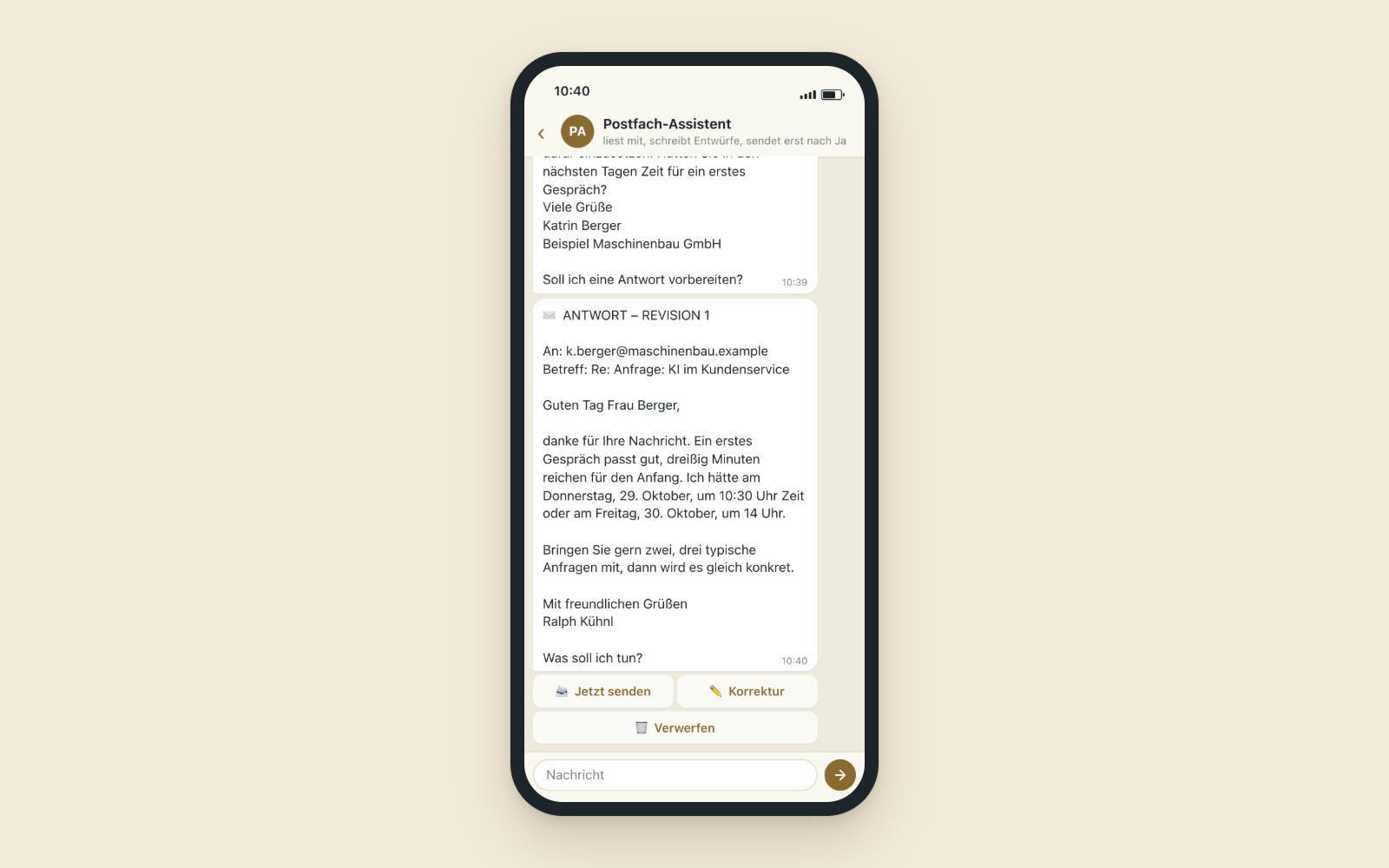
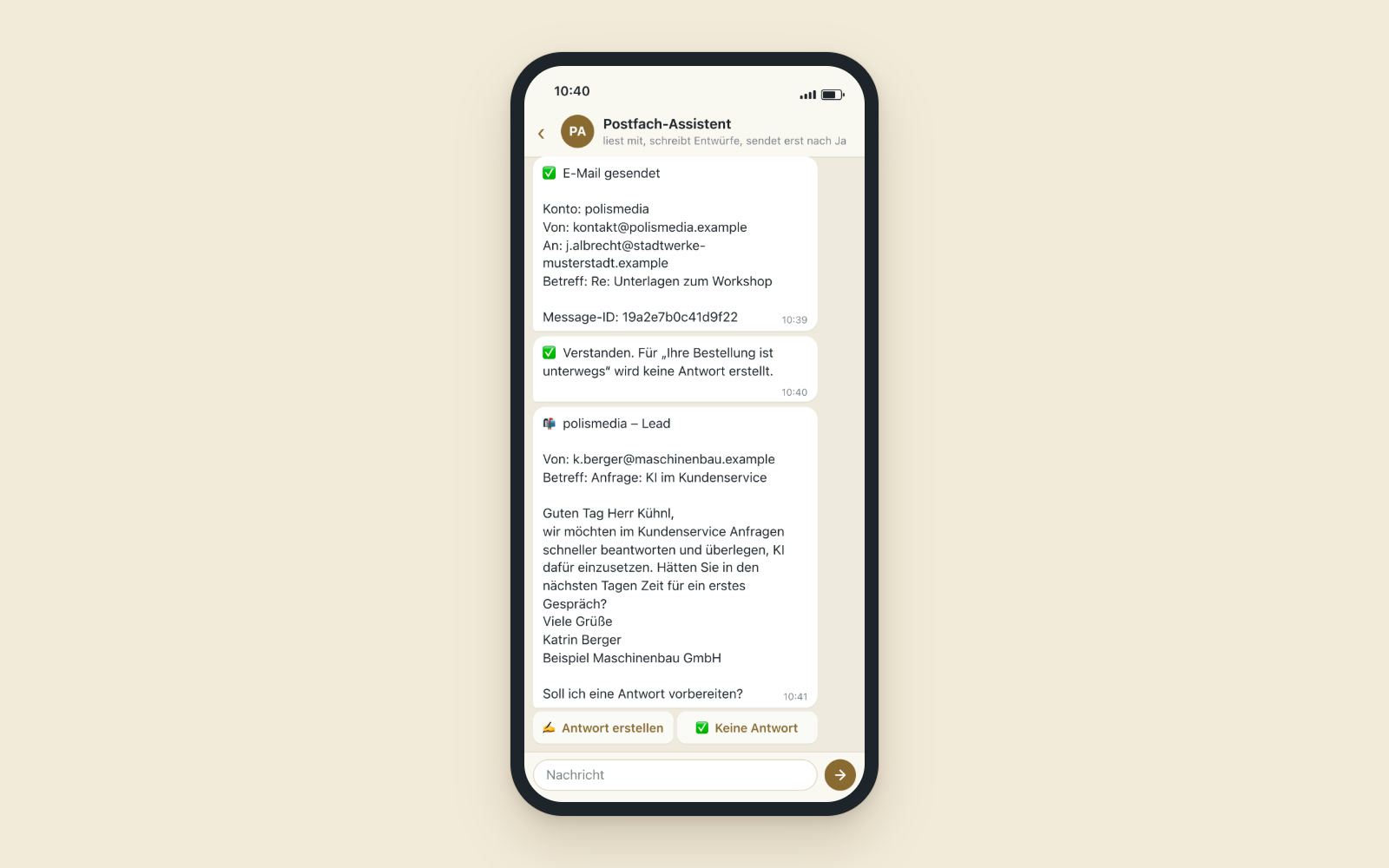
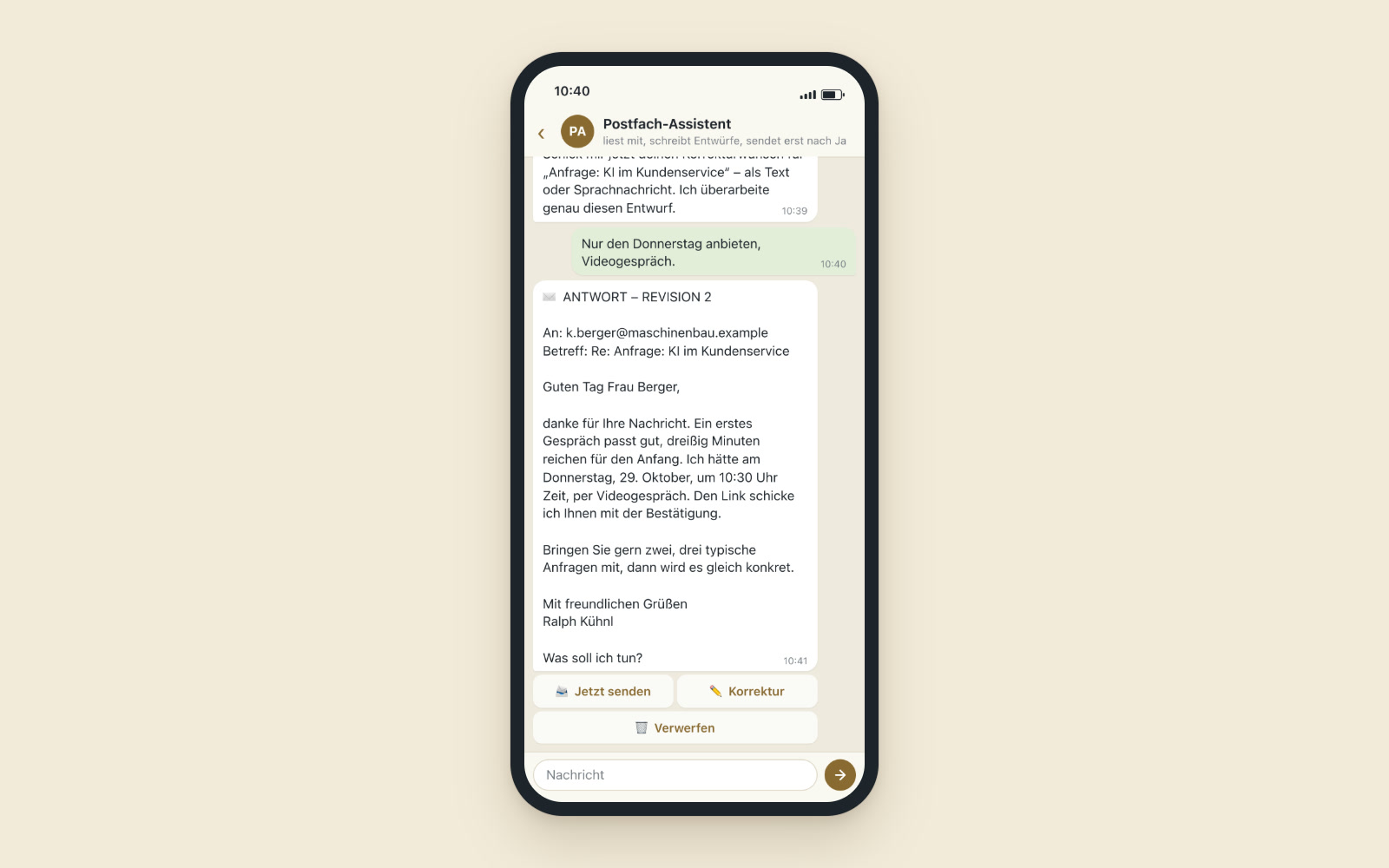
A client asks for a meeting, and the draft offers three open times
An example for a managing director: a client asks by email whether they could meet next week about the project status. The assistant classifies the email as personal, reads the previous emails and finds the promise of an interim report from last time, which it picks up in the draft. It checks her calendar and suggests three times that are actually free there. She gets the draft on her phone. She changes one sentence by voice message and approves. When the client replies with one of the times, it becomes a booking right away, with confirmation, video room and reminder.
Sort, draft, approve
Sorting
Every email ends up in a category and in the right folder: personal, contact, inquiry, bookkeeping, newsletter or advertising.
Draft replies with the whole thread
For the draft, the assistant reads the entire email thread: what has been promised, what is open, what has already been asked. The draft goes out from the right sender address.
Your own voice as a set of rules
The rules for your tone come from real email threads. Each role has its own rules for greeting, tone and wording, different as managing director than on a club board.
Appointments from your real calendar
Only free times are suggested. When someone accepts, it becomes a booking.
Tasks and receipts
The assistant only creates a task when there is really something to do. It files invoices in the receipt storage automatically and sends important emails to your phone as an alert right away.
Approval at the push of a button
You send, change by text or voice, or discard.
Data protection in the workflow
Attachments don’t go to the AI, and every point at which data leaves the server is documented.
For managing directors, office managers, boards and law firms
Freelancers and managing directors with several inboxes and roles. Office managers and assistants who pre-sort mail for several people. Club board members who look after the club’s inbox alongside their job. Law firms and consultancies in which standard inquiries make up a large part of the mail and should still be answered personally.
Acceptances become bookings
Appointments go into the booking system and get a room in Treffpunkt, the video meeting platform of your own. The press work for associations also writes by fixed rules for greeting and tone. Inquiries taken into the CRM as contacts would be conceivable, as would emails on a topic appearing as a topic suggestion in the AI newsroom.
A tool like this, built for your workflow.
Talk about your inbox